
Dashboard Feature
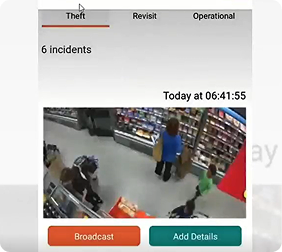
Broadcast
Subject Data Access Request (SDAR)
Feature.png)
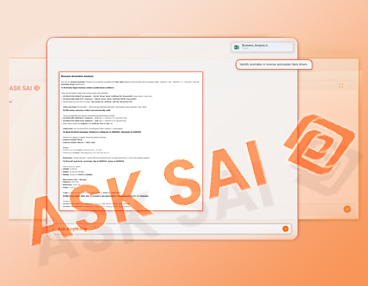
Turn retail data into insights using conversational AI
Functional Naming Of CCTV Cameras

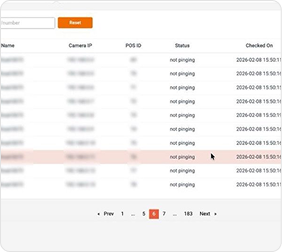
Automated Health Check
Protecting Privacy in the Age of Visual AI

Crime Reporting
.png)
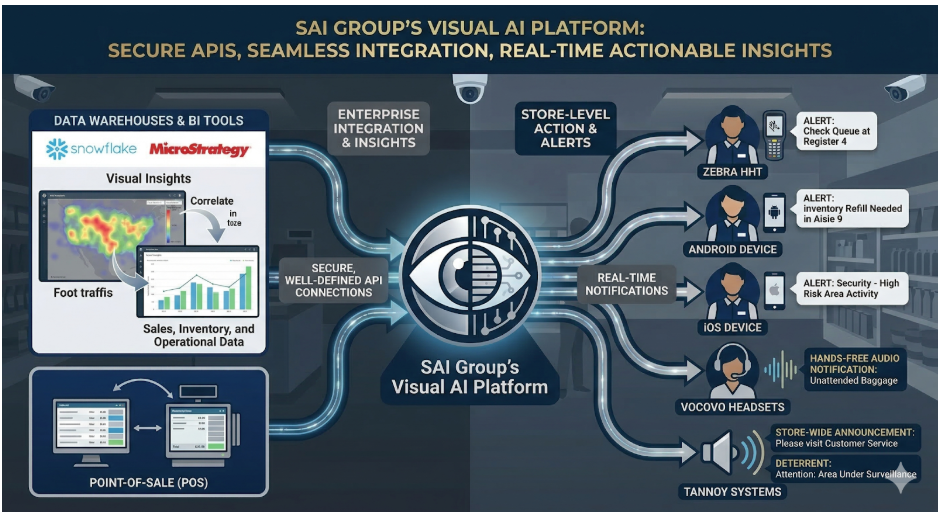
Integration and API Readiness
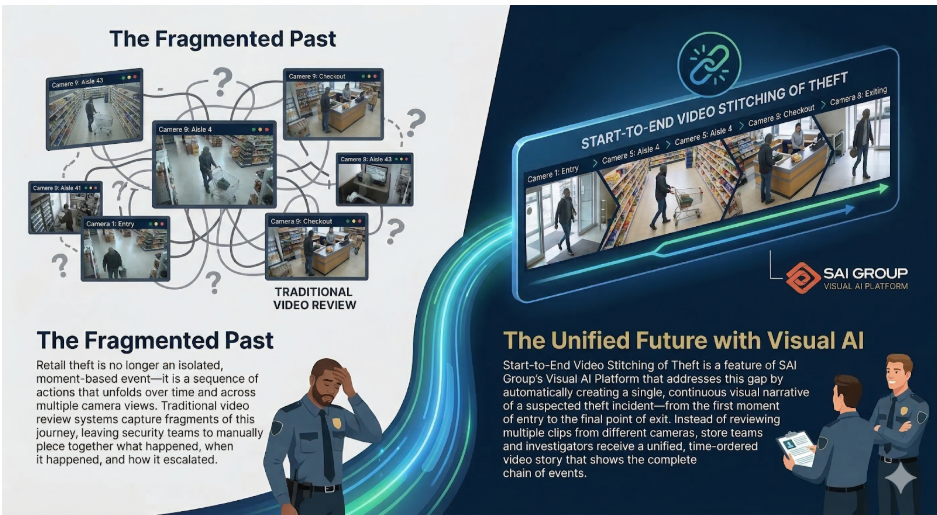
Start‑to‑End Video Stitching of Theft
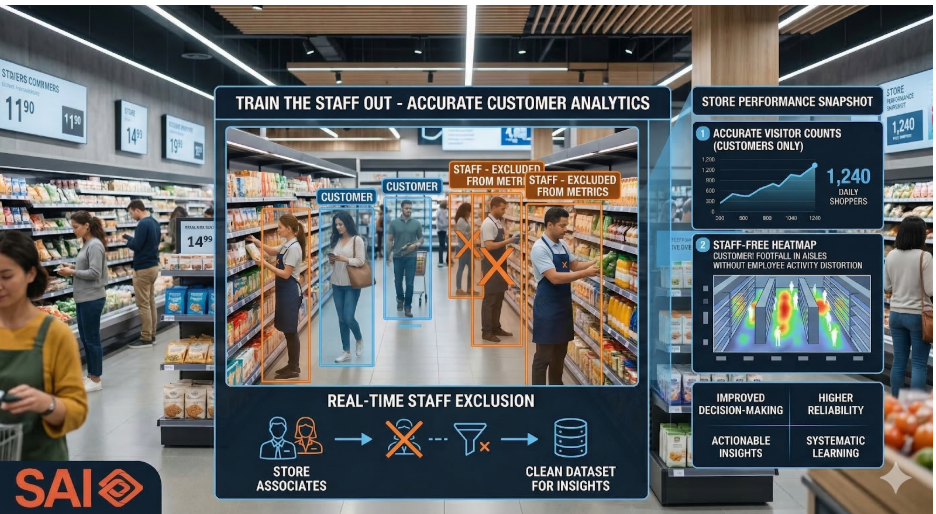
Train Out the Staff
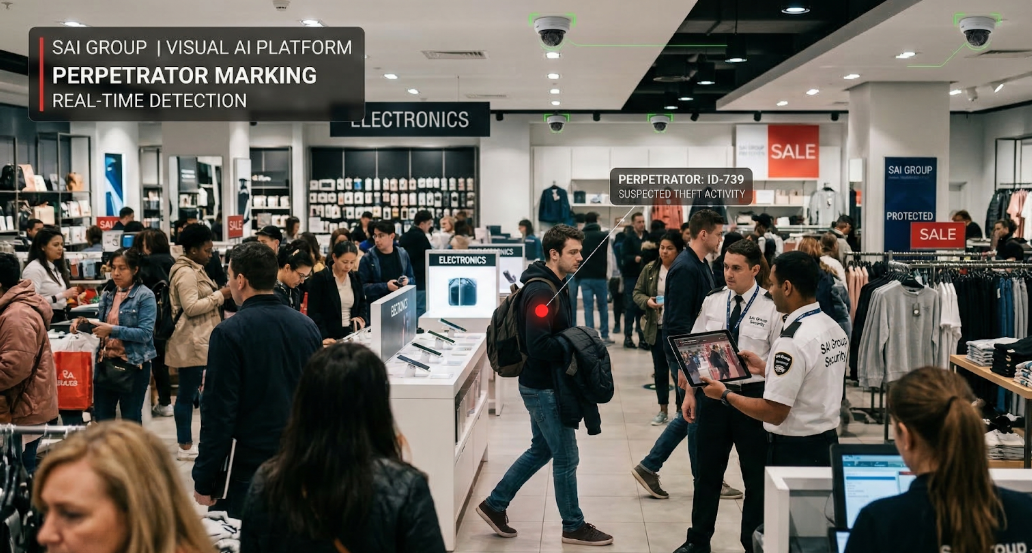
Perpetrator Marking Feature
AI-Powered Retail Dashboard for Role-Based, Real-Time Store Insights
Detailed view
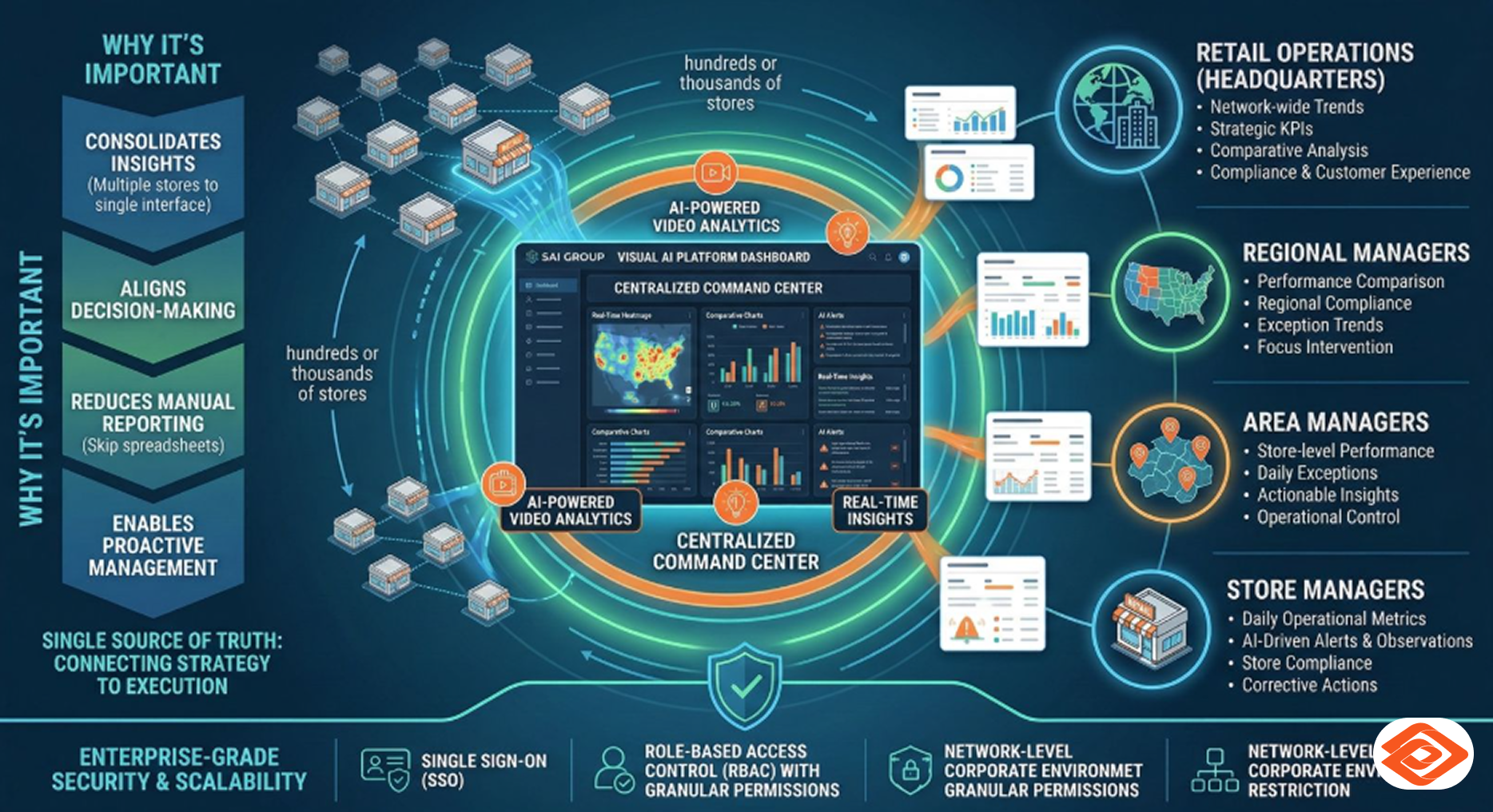
The Dashboard feature of SAI Visual AI Platform serves as a centralized command center for retail stakeholders, delivering real‑time, role‑specific insights from AI‑powered video analytics. Designed with enterprise‑grade security and scalability in mind, the Dashboard supports Single Sign‑On (SSO), Role‑Based Access Control with granular permissions, and network‑level restriction to the customer’s corporate environment.
By tailoring information access for Retail Operations (Headquarters), Regional Managers, Area Managers, and Store Managers, the Dashboard ensures that every decision‑maker sees only what is relevant to their role—no more, no less. This results in faster decisions, improved operational visibility, and consistent execution across the retail network.
Why the Dashboard is important for Retail Stores
Modern retail operations are complex, distributed, and fast‑moving. Hundreds or thousands of stores generate massive volumes of visual and operational data every day. Without a unified view, this data remains underutilized.
The Dashboard addresses this challenge by:
For retail organizations, the Dashboard becomes the single source of truth—connecting strategy at headquarters with execution on the shop floor.
How the Dashboard Feature Works
Secure Access with SSO and Corporate Network Restriction
The Dashboard integrates seamlessly with the customer’s enterprise identity provider through Single Sign‑On (SSO). Users authenticate using their existing corporate credentials, eliminating the need for separate usernames or passwords.
Access to the Dashboard is further restricted to the customer’s corporate network, ensuring that sensitive operational data is only available from approved environments. This dual‑layer security approach aligns with enterprise IT and compliance requirements.
Role‑Based Access Control (RBAC)
The Dashboard uses granular RBAC to control what each user can view and interact with. Permissions are defined at a fine level, including:
This ensures data confidentiality while maximizing relevance.
Role‑Specific Views and Insights
Retail Operations (Headquarters)
Headquarters users receive a pan‑enterprise view of operations, including:
This view enables leadership teams to monitor execution at scale and identify systemic opportunities or risks.
Regional Managers
Regional Managers access insights aggregated at the regional level, such as:
The Dashboard helps Regional Managers focus on intervention and coaching where it matters most.
Area Managers
Area Managers see a localized operational view, covering:
This view bridges strategy and execution, enabling hands‑on operational control.
Store Managers
Store Managers access a store‑specific dashboard, focused on:
By surfacing clear, actionable insights, the Dashboard helps Store Managers take corrective actions quickly and consistently.
FAQ
A retail AI dashboard is a single platform that brings together real-time store data, video analytics, and AI-driven alerts, so different roles from HQ to store manager — can track performance and act on issues instantly.
SAI's dashboard combines real-time analytics with automated AI alerts, so retail teams get instant, actionable notifications on key metrics like footfall, incidents, and store performance with no need to dig through reports manually.
Unlike basic reporting dashboards, SAI's platform uses AI to actively monitor operations, detect anomalies, and send proactive alerts going beyond static reports to give retailers real-time decision-making power.
Yes. The dashboard is built for multi-store and multi-region retail chains, letting HQ, regional, and store-level users track KPIs relevant to their role, all from one centralized system.
Yes. The Dashboard supports enterprise Single Sign On (SSO) and integrates with standard corporate identity providers.
Yes. Role Based Access Control allows granular permission control down to specific regions, areas, and individual stores.
No. Access can be restricted to the customer’s corporate network, ensuring enhanced data security.
Yes. KPIs and insights are configurable based on user roles and permissions.
Absolutely. The architecture is designed to support multi‑region, multi‑format retail networks at scale.