
Queue and Checkout Monitoring
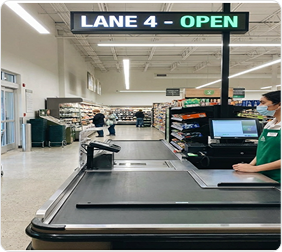
Self-Checkout Theft Detection & Monitoring
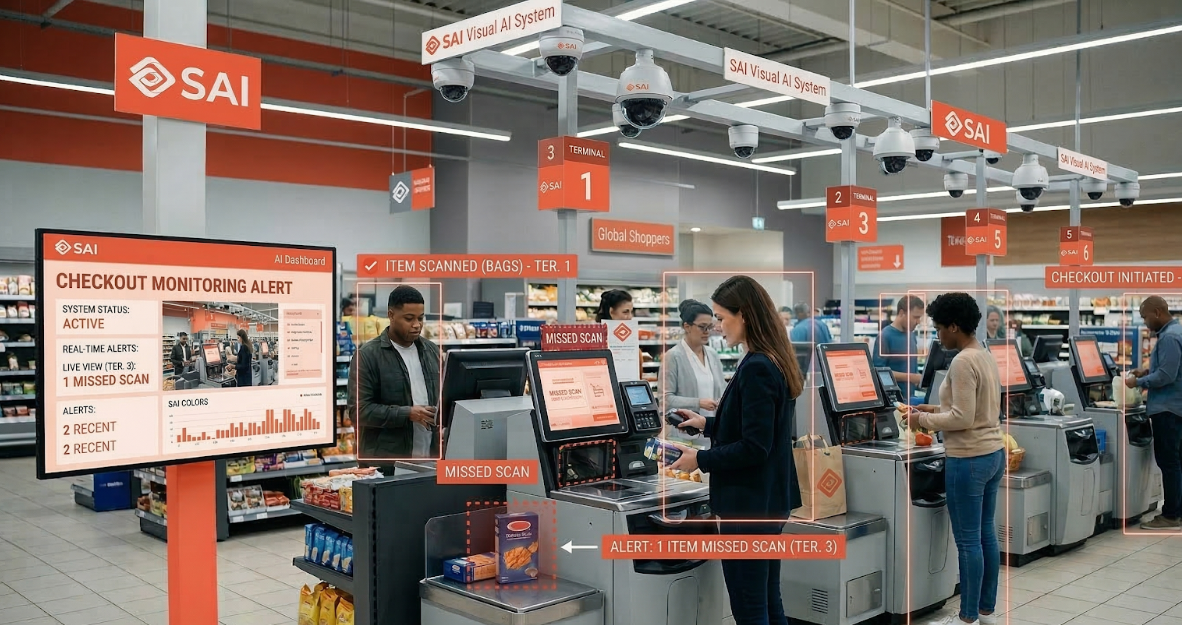
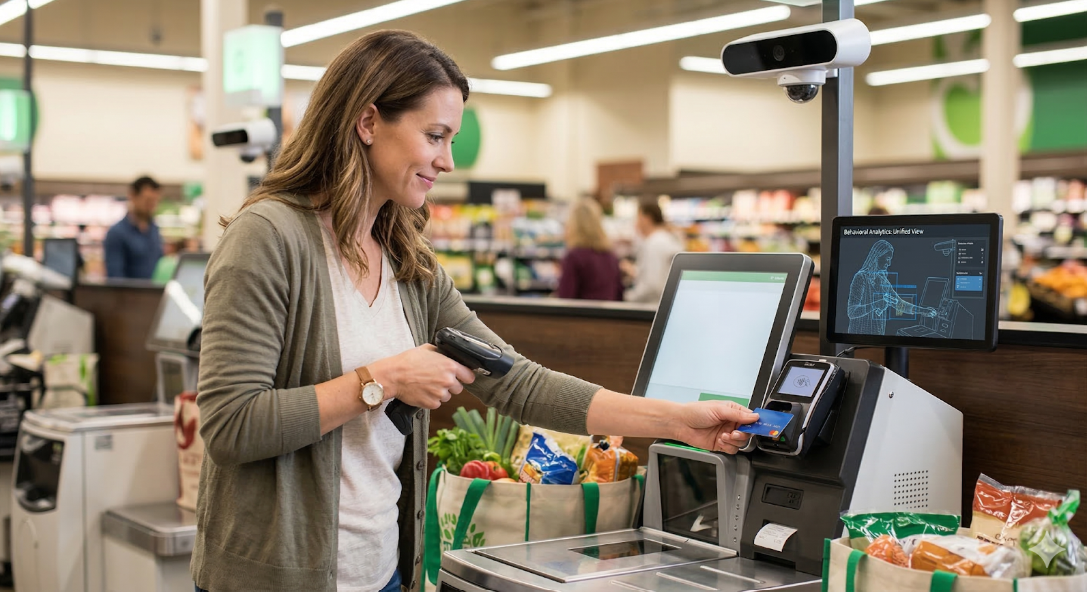
Self‑Scan Theft Monitoring
Internal Fraud
.png)
Queue Management
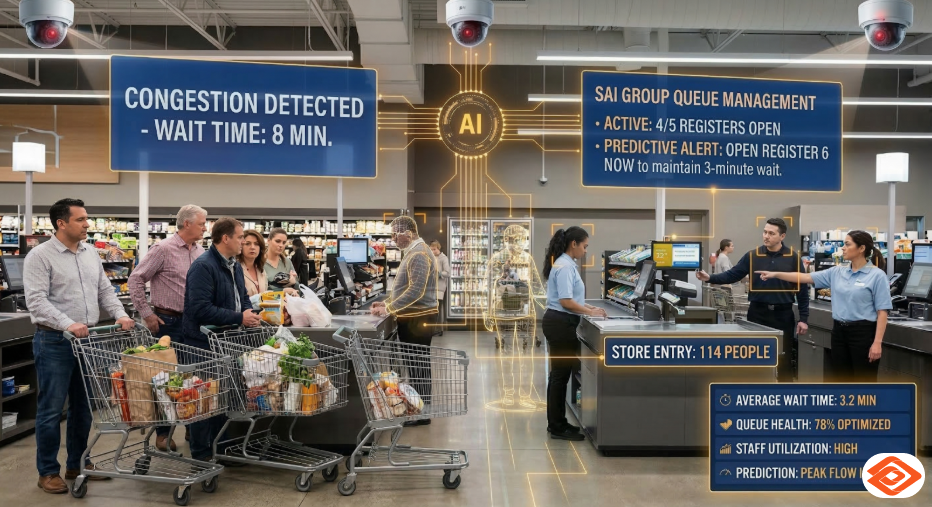
SCO Queue Availability Management
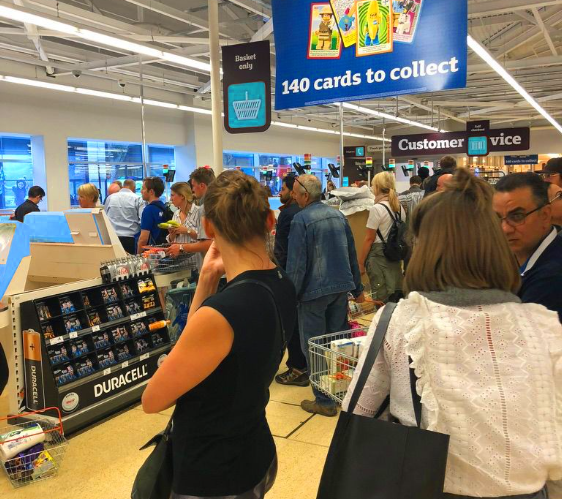
Assisted Checkout Monitoring
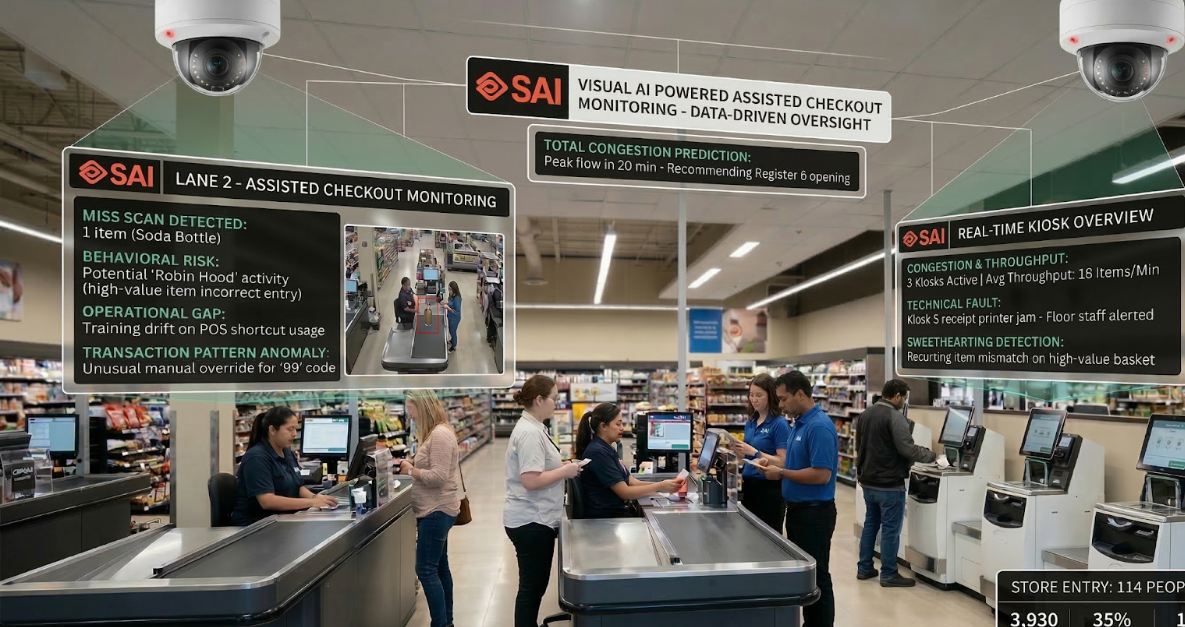
Queue and Checkout Monitoring
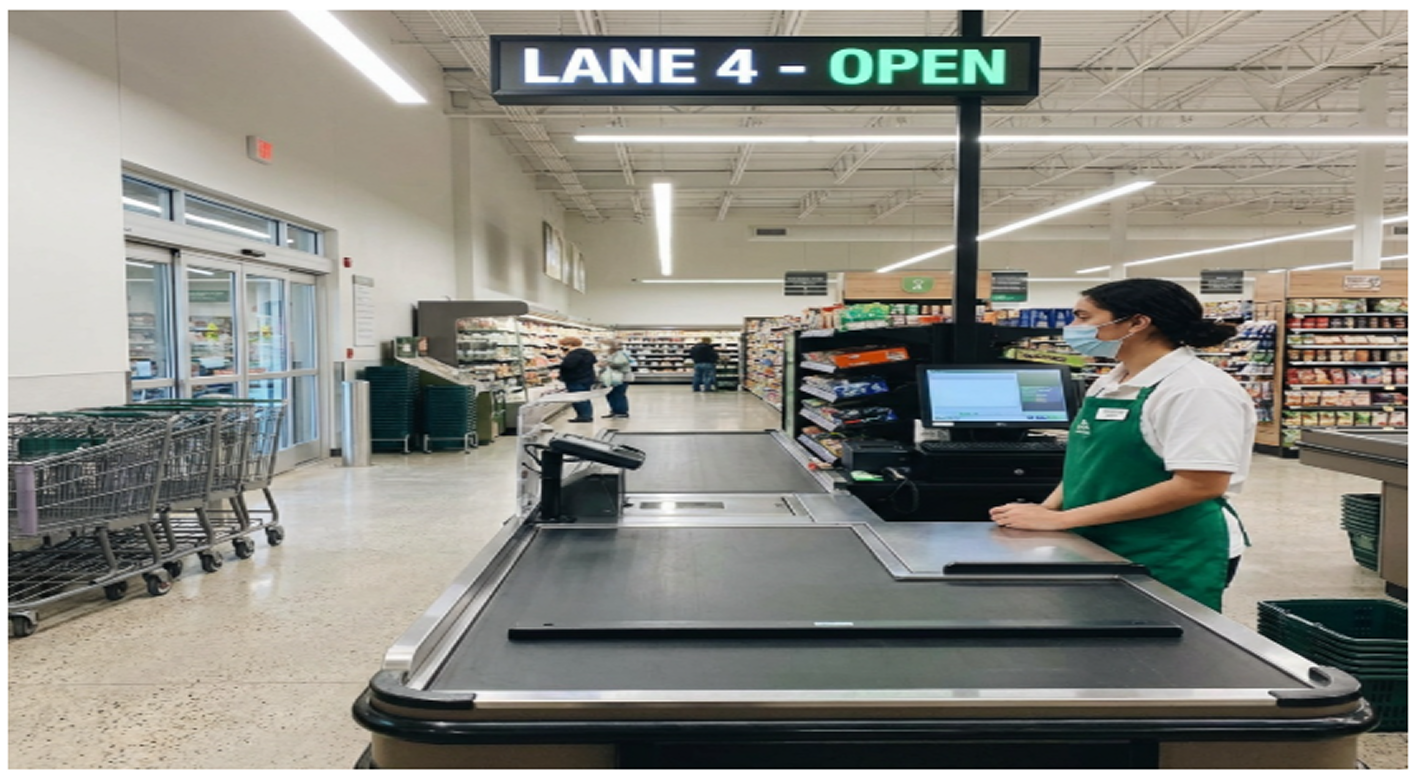
Detailed view
Long checkout lines remain one of the most common causes of customer dissatisfaction in physical retail stores. Even when multiple checkout counters are available, uneven customer distribution often leads to congestion at some lanes while others remain underutilized. SAI Queue and Checkout Monitoring feature, powered by its visual AI platform, addresses this challenge by continuously monitoring and analyzing CCTV footage of checkout lanes and providing timely alerts to store staff.
In addition to balancing customer queues, the Queue or Checkout Monitoring feature also enables intelligent checkout monitoring, helping stores identify situations where a checkout counter or main bank is staffed but not being used by customers. When such conditions are detected, store teams can proactively close the unused counter or redeploy the colleague to higher‑value tasks on the shop floor. This ensures optimal staffing, reduced operational inefficiencies, and a consistently smooth checkout experience for customers.
Why Queue and Checkout Monitoring is important for retail stores?
Checkout is the final and most critical touchpoint in the in store customer journey. Delays or confusion at this stage can negate an otherwise positive shopping experience. In busy retail environments, customers often form queues based on habit or visibility rather than actual availability, leading to avoidable congestion.
Key challenges faced by retail stores include:
- •Customers queuing at a single checkout while adjacent counters remain empty
- •Store staff being unaware of emerging queues until delays are already visible
- •Inconsistent customer guidance during peak hours
- •Lost sales or reduced repeat visits due to long wait times
Queue and Checkout Monitoring helps retailers move from a reactive approach to a proactive one. By providing real time visibility into checkout lane usage, the feature allows store teams to intervene early, ensuring customers are served faster and more efficiently. This not only improves customer experience but also protects brand perception at a critical moment of interaction.
Beyond customer wait times, inefficient checkout operations also impact store productivity. It is common for a main checkout bank to remain open with a colleague present, even when there are no customers using that counter. Without real‑time visibility, such situations can persist unnoticed, leading to wasted staff effort and suboptimal resource allocation. Checkout monitoring helps retailers dynamically align staffing with actual demand, ensuring colleagues are deployed where they add the most value.
How the Queue and Checkout Monitoring feature works?
The Queue and Checkout Monitoring feature uses visual AI to observe checkout lanes across the store through existing camera infrastructure. The system continuously analyzes activity in front of each checkout counter to determine customer presence and queue formation.
Core capabilities include:
- •Empty Counter Detection: The system identifies checkout lanes or main banks that are open and staffed but currently have no customers.
- •Queue Build Up Monitoring: The system continuously monitors when queues begin to form at specific counters, tracking their length and growth over time.
- •Mismatch Identification: The system detects scenarios where customers are waiting in long queues while other staffed counters or banks remain unused.
- •Checkout Bank Utilization Monitoring: The system highlights cases where a colleague is present at a checkout bank with no customer activity, enabling store teams to decide whether to temporarily close the counter or redeploy the colleague.
- •Real Time Notifications: The system sends alerts to store staff or supervisors when intervention is required—whether to guide customers to empty lanes, open additional counters, or close underutilized ones.
After receiving a notification, store staff can guide customers to open checkout lanes, open additional counters if required, or redistribute staff resources. This real time operational awareness ensures that checkout capacity is fully utilized throughout the day.
With these insights, store teams can actively balance customer flow, reduce idle checkout time, and ensure staffing levels match real‑time demand.
FAQ
No. The Queue and Checkout Monitoring feature works with existing checkout lane setups and observes customer activity without requiring physical changes to store design.
The system sends real time notifications to handheld devices of the store staff when empty counters or queue imbalances are detected, enabling staff to take immediate action.
Yes. The system is designed to identify scenarios where queues are forming at some counters while others remain empty.
Absolutely. Even during quieter periods, the feature ensures that customers are directed to available checkout lanes, maintaining efficiency at all times.
Any retail store with multiple checkout counters—such as supermarkets, convenience stores, specialty retail, and large format stores—can benefit from improved queue visibility and management.
Yes. The feature identifies checkout lanes or banks where a colleague is present but no customers are being served, enabling informed decisions on counter closure or staff redeployment.
No. Since the system monitors overall queue conditions in real time, counters are only closed when there is sufficient checkout capacity available elsewhere, ensuring customers continue to be served quickly.